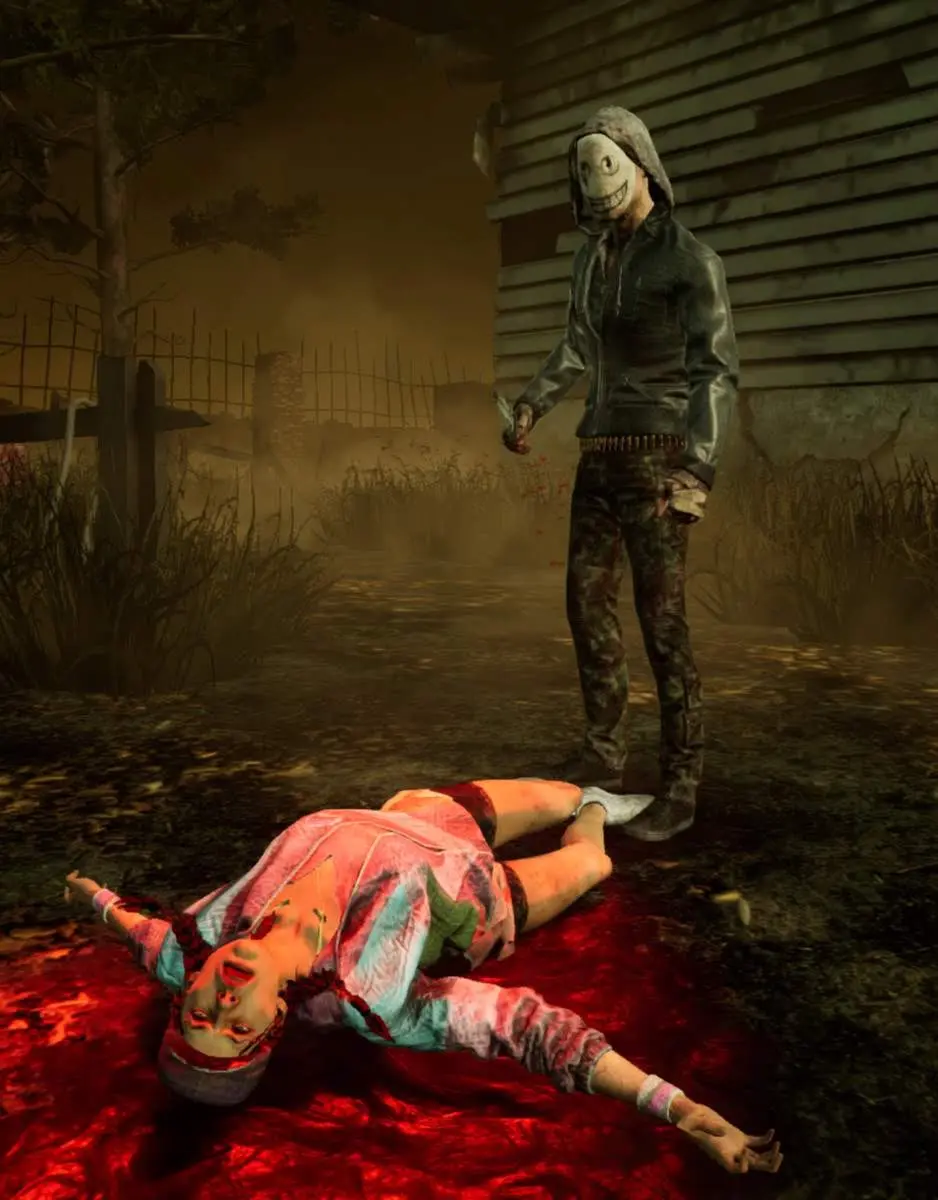
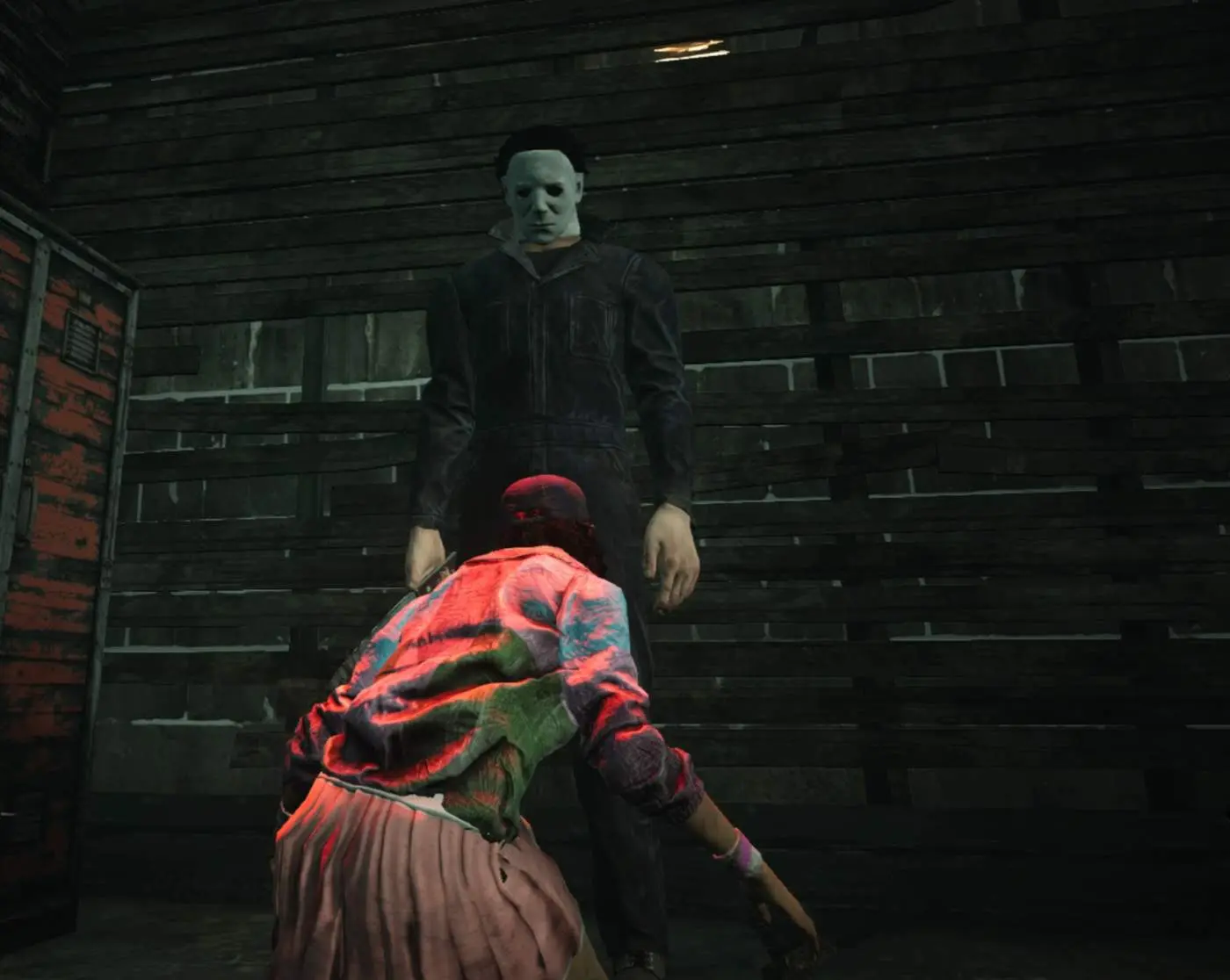
• I’m finally back into American Horror Story Apocalypse

    Micheal, eat your heart out

    Once again, I have left the current series of American Horror Story until months after it has finished airing. I think it must be something inside me that doesn’t want to reach the end.

    Last night I watched four episodes back to back — and I absolutely loved it. The old characters that have been making appearances have been so great. And the music, as always, is terrific.

    Can’t wait to see how this series wraps up, and of course to begin 1984 in a few months time.

  • The Thompson House

    The Thompson House

    The Thompson House
    Fediverse reactions
  • Moon over Yamaoka

    Moon over Yamaoka

    Moon over Yamaoka
    Fediverse reactions
  • How I would set up Laravel with Docker

    This is a quick brain dump for myself to remember how I set up Laravel with Docker. Hopefully it can help others out also.

    I tried to avoid Docker for the longest time due to the ease of just running php artisan serve. However, when you have some dependancies that your site will rely on, Docker can be helpful — especially when having multiple developers — in getting up and running with the whole codebase easier.

    This post assumes you have setup a basic Laravel project on a Linux computer, and have both Docker and Docker Compose installed locally.

    What will this project use?

    This is only a basic example to get up and running with the following dependancies. You can add more items to your docker-compose.yml file as you need to.

    Note: whatever you choose to name each extra service in your docker-compose.yml file, use its key as the reference point in your .env file.

    • The main site codebase
    • A MySQL database
    • an NGINX webserver
    • PHP

    docker-compose.yml

    Have a file in the project root, named `docker-compose.yml

    version: "3.3"
    
    services:
      mysql:
        image: mysql:8.0
        restart: on-failure
        env_file:
          - .env
        environment:
          MYSQL_ROOT_PASSWORD: ${MYSQL_ROOT_PASSWORD}
          MYSQL_DATABASE: ${MYSQL_DATABASE}
      nginx:
        image: nginx:1.15.3-alpine
        restart: on-failure
        volumes:
          - './public/:/usr/src/app'
          - './docker/nginx/default.conf:/etc/nginx/conf.d/default.conf:ro'
        ports:
          - 80:80
        env_file:
          - .env
        depends_on:
          - php
      php:
        build:
          context: .
          dockerfile: './docker/php/Dockerfile'
        restart: on-failure
        env_file:
          - .env
        user: ${LOCAL_USER}

    Dockerfile

    Have a Dockerfile located here: ./docker/php/Dockerfile. I keep it in a separate folder for tidiness.

    # ./docker/php/Dockerfile
    FROM php:7.2-fpm
    
    RUN docker-php-ext-install pdo_mysql
    
    RUN pecl install apcu-5.1.8
    RUN docker-php-ext-enable apcu
    
    RUN php -r "copy('https://getcomposer.org/installer', 'composer-setup.php');" \
        && php -r "if (hash_file('SHA384', 'composer-setup.php') === '48e3236262b34d30969dca3c37281b3b4bbe3221bda826ac6a9a62d6444cdb0dcd0615698a5cbe587c3f0fe57a54d8f5') { echo 'Installer verified'; } else { echo 'Installer corrupt'; unlink('composer-setup.php'); } echo PHP_EOL;" \
        && php composer-setup.php --filename=composer \
        && php -r "unlink('composer-setup.php');" \
        && mv composer /usr/local/bin/composer
    
    WORKDIR /usr/src/app
    
    COPY ./ /usr/src/app
    
    RUN PATH=$PATH:/usr/src/app/vendor/bin:bin
    

    default.conf

    Have a default.conf file for the project’s nginx container saved here: ./docker/nginx/default.conf

    # ./docker/nginx/default.conf
    server {
     server_name ~.*;
    
     location / {
         root /usr/src/app;
    
         try_files $uri /index.php$is_args$args;
     }
    
     location ~ ^/index\.php(/|$) {
         client_max_body_size 50m;
    
         fastcgi_pass php:9000;
         fastcgi_buffers 16 16k;
         fastcgi_buffer_size 32k;
         include fastcgi_params;
         fastcgi_param SCRIPT_FILENAME /usr/src/app/public/index.php;
     }
    
     error_log /dev/stderr debug;
     access_log /dev/stdout;
    }

    Add the necessary variables to your .env file

    There are some variables used in the docker-compose.yml file that need to be added to the .env file. These could be added directly, but this makes it more straightforward for other developers to customise their own setup.

    MYSQL_ROOT_PASSWORD=root
    MYSQL_DATABASE=example
    LOCAL_USER=1000:1000
    

    The MYSQL_ROOT_PASSWORD and MYSQL_DATABASE are self-explanatory, but theLOCAL_USER variable refers to the user id and group id of the currently logged in person on the host machine. This normally defaults to 1000 for both user and group.

    If your user and/or group ids happen to be different, just alter the variable value.

    Note: find out your own ids by opening your terminal and typing id followed by enter. You should see something like the following:

    uid=1000(david) gid=1000(david) groups=1000(david),4(adm),27(sudo),1001(rvm)

    uid and gid are the numbers you need, for user and group respectively.

    Run it

    Run the following two commands separately then once they are finished head to http:localhost to view the running code.

    Note: This setup uses port 80 so you may need to disable any local nginx / apache that may be running currently.

    docker-compose build
    docker-compose up -d

    Any mistakes or issues, just email me.

    Thanks for reading.

  • Snow White adaptation by Junji Ito

    Most people probably know the story of Snow White — the seven dwarfs; the poison apple; the prince. But I bet not many know of this version by acclaimed horror Mangaka Junji Ito.

    A short version but not one to be missed.

    Read on Manga Owl.

  • American Horror Story – 1984 Poster

    I really need to get and watch AHS: Apocalypse before this next series starts. I absolutely adore this show, but I always seem to wait until the next one is coming out before catching up.

    1984 looks freaking awesome though – just the concept alone. Can’t wait.

    American Horror Story 1984