Moving my video share links to my own Peertube

Peertube is a self-hosted alternative to YouTube and, to a lesser extent, Vimeo.

I say lesser extent because I think Vimeo’s business model is very different from YouTube’s (Google inc’s).

Whenever a YouTube video is shared on a web page, it is basically like a Trojan horse. Yes, it lets your visitors watch a video directly in your website, but it’s doing so much more behind the curtain.

It is allowing your visitors to be tracked across the web. When a person lands on a web page that has a YouTube video embedded into it, they are seen and tracked by YouTube’s owners: Google inc.

Please don’t do this.

Moving to Peertube

I am very technologically privileged in that I have the know-how to set up my own “peertube” site (an instance as they are called). So I am not saying that people should all use that.

But do at least consider something like “Vimeo” as an alternative, or maybe even self-host the videos on your website if you have the available storage space.

I am in the process of migrating videos in my older posts over to my own Peertube website (My Jams are already moved). If you notice any I have missed, please do let me know in comments below. 🙂

I don’t want the few people who visit my site to be tracked whilst here. I want this to at least be a safe space from the surveillance and advertising swamp that is the modern web.

Bulk converting large PS4 screenshot png images into 1080p jpg’s

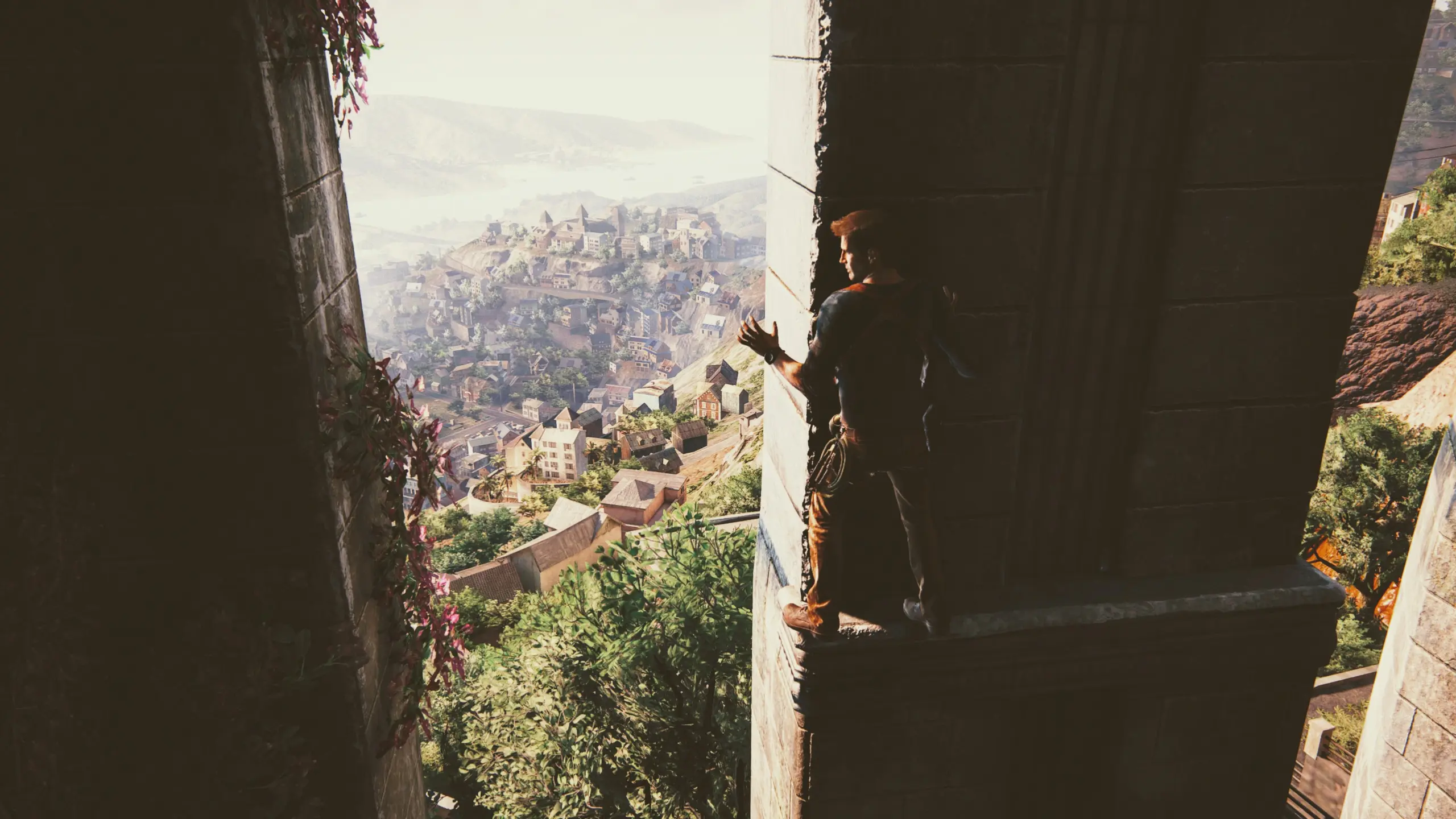
I tend to have my screenshots set to the highest resolution when saving on my PlayStation 4.

However, when I upload to the screenshots area of this website, I don’t want the images to be that big — either in dimensions or file size.

This snippet is how I bulk convert those images ready for uploading. I use an Ubuntu 20.04 operating system when running this.

# Make sure ImageMagick is installed
sudo apt install imagemagick

# Run the command
mogrify -resize 1920x1080 -format jpg folder/*.png

You can change the widthxheight dimensions after the -resize flag for your own required size. As well as changing the required image format after the -format flag.