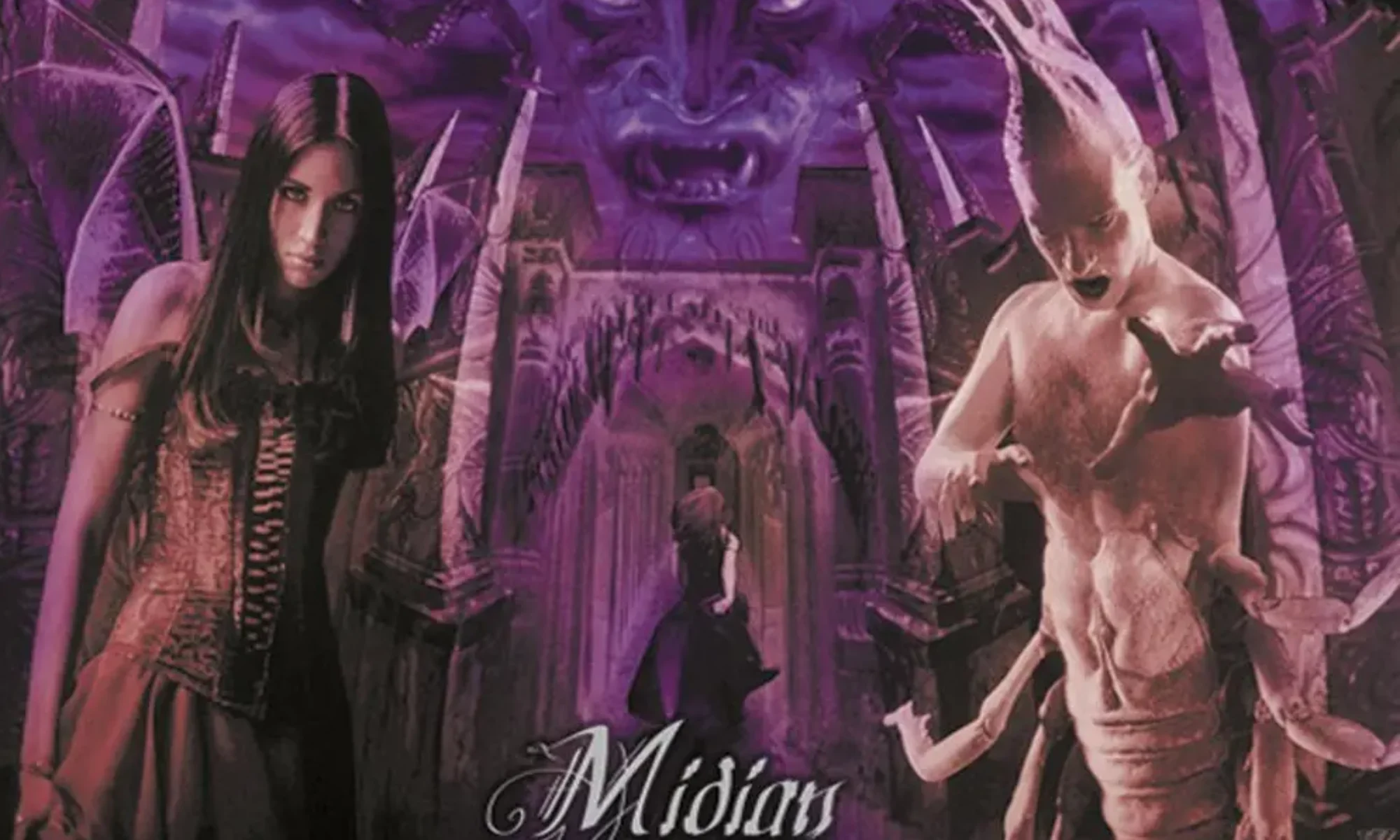
I really want to start writing short stories on here. Much like an old friend Andy Hawthorne does.
Vim :: Search and replace across multiple files
From within Vim, you can search all files for a string/pattern with the following ex command.
Replace “string_to_find” with your search string. The path given as example is every file under the app directory recursively.
:vimgrep /string_to_find/ ./app/**/*That command will put all occurances of the string into your quickfix list.
You can then run a command on each instance of that with the following command:
:cdo s/string_to_find/new_string/gcThis runs a substitution for each entry in the quickfix list.
The `g` flag is “global” which means if the occurance happens multiple times on the same line it will replace all. Otherwise it will only replace the first instance on each line.
The `c` flag is to “confirm” each change. Each change it tries to make, it will ask you to specifically answer yes or no to change it. I prefer this for most things.
You can then either manually write each file you have changed, or use the following command to save all the files that have been changed:
:cdo updateBorn This Way by Lady Gaga

Not a huge Lady Gaga fan but this album has some bangers on it.
Probably one of the better albums of 2010s pop, based on my limited experience.
I Want To See The Bright Lights Tonight by Richard and Linda Thompson
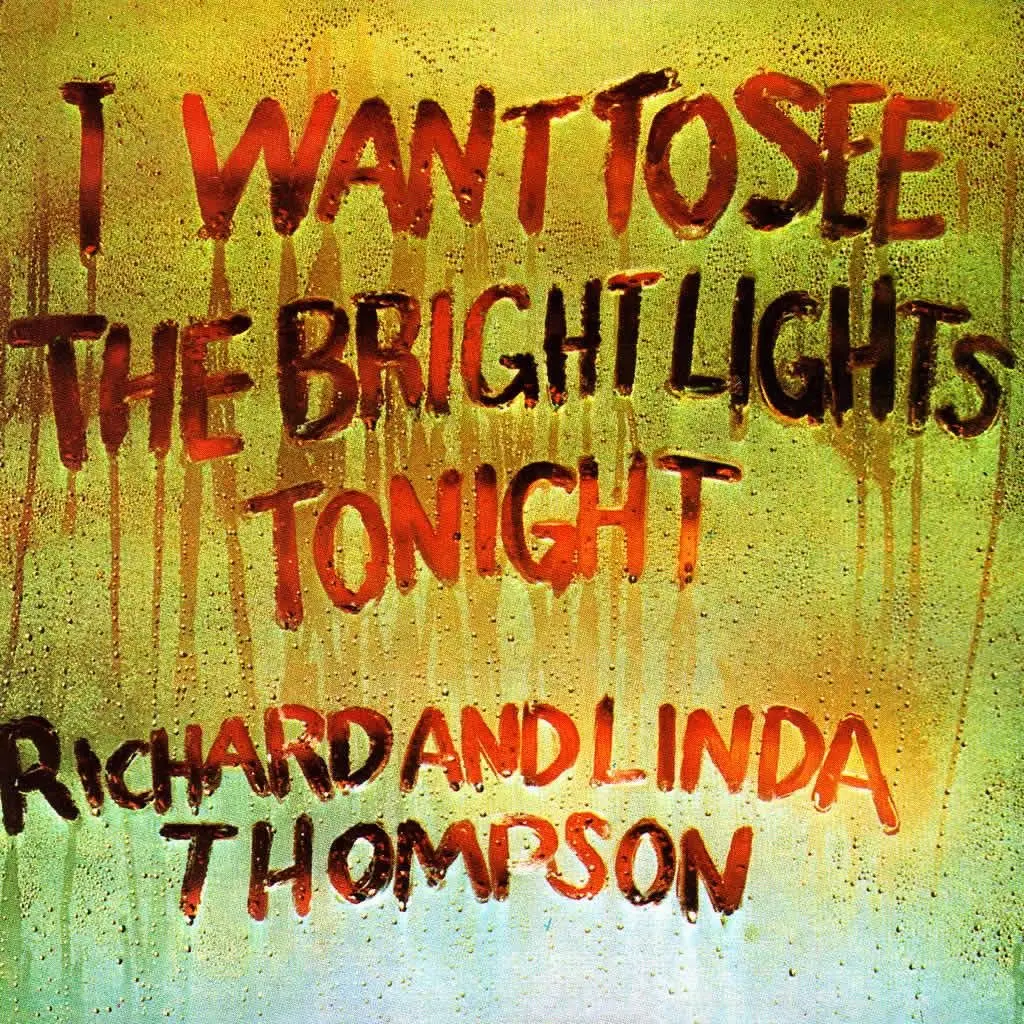
I’ve been a fan of Richard and Linda Thompson for many years.
However, I have somehow never listened to this album — at least I can’t recall hearing it before.
“pour down like silver” and “hokey pokey” I have heard a few times though.
This album did not disappoint.
Really love their idiosyncratic sound.
Continuum by John Mayer
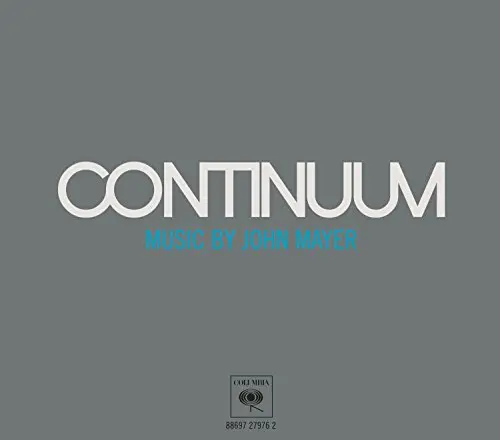
First time listening to John Mayer.
Nice album.
Quite relaxing whilst programming with songs that have nice messages.
Damaged by Black Flag

Loud, fast punk album.
Was okay. Not my complete cup of tea but I respect it for what it is.
I’m still finding inline styles in old posts from my time with WordPress and it’s guttenberg editor. I like the idea of the guttenberg editor, but gosh if it doesnt bloat the fuck out of your html.
I’m now on ClassicPress which is WordPress, if WordPress hadnt gone down the swanny.
Jar of Flies by Alice In Chains
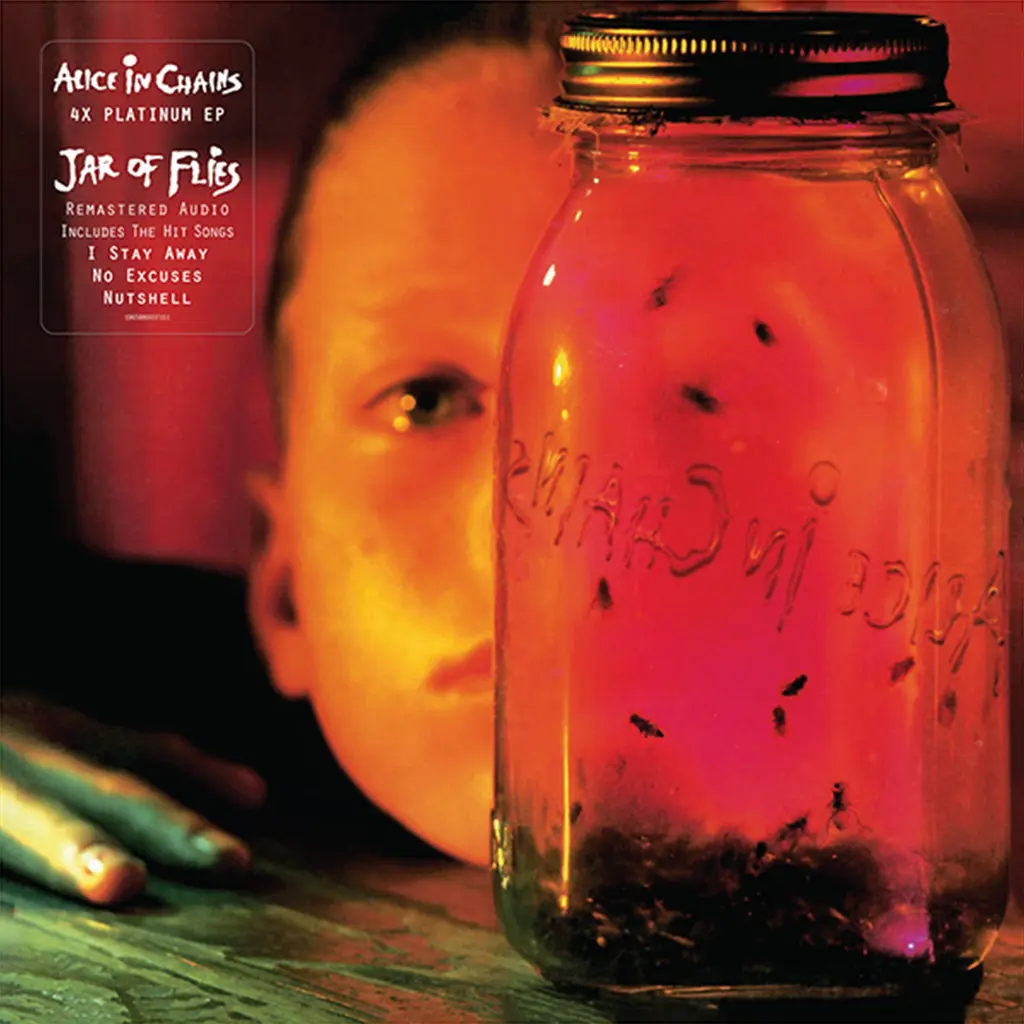
I’d heard that this was one of Alice in Chains’ best releases. However, for some reason it took a while for me to get into it.
I’m glad I persisted, as this has become a favourite album / e.p. of mine I’ve heard in a long time.
It just gets better with each listen for me.